My Blog

This is my web coding blog. It's the home for several simple, easy-to-understand applications which are written using various programming languages. Feel free to get in touch if you want me to code a specific project for you.

Exploring the basics of C#

Welcome to a new tutorial series! We have covered Python and PHP so far, so I thought that we should start experimenting with C# as well. Unlike Python and PHP, C# was built with desktop applications in mind. This doesn't mean that it can't be used for web apps, but its power and flexibility become obvious when it comes to building software that runs on personal computers.

Our first example can be really useful for people who want to invest their money, because it computes compound interest. Here's the source code that does the job.

using System;

namespace CompoundInterest
{
    class Program
    {
        static void Main(string[] args)
        {
            double amount, rate, interest;
            int years;

            Console.Write("Enter amount: ");
            amount = Convert.ToDouble(Console.ReadLine());

            Console.Write("Enter interest rate (%): ");
            rate = Convert.ToDouble(Console.ReadLine());

            Console.Write("Enter number of years: ");
            years = Convert.ToInt32(Console.ReadLine());

            interest = amount * Math.Pow(1 + rate/100, years) - amount;
           
            Console.WriteLine("Interest is {0}", interest);
            Console.ReadLine();
        }
    }
}

I know that the code is a bit more complex in comparison with Python, but C# is a more advanced programming language. The snippet incorporates the required "System" library, and then declares the CompoundInterest namespace, a digital bucket which stores related objects, if you will.

The class declares variables of type "double" which can store huge values for amount, rate and interest, while the number of years is declared as an integer. We ask the user to input the amount, interest rate and the number of years, we convert the input strings to proper variables, we compute the interest, and then we display it.

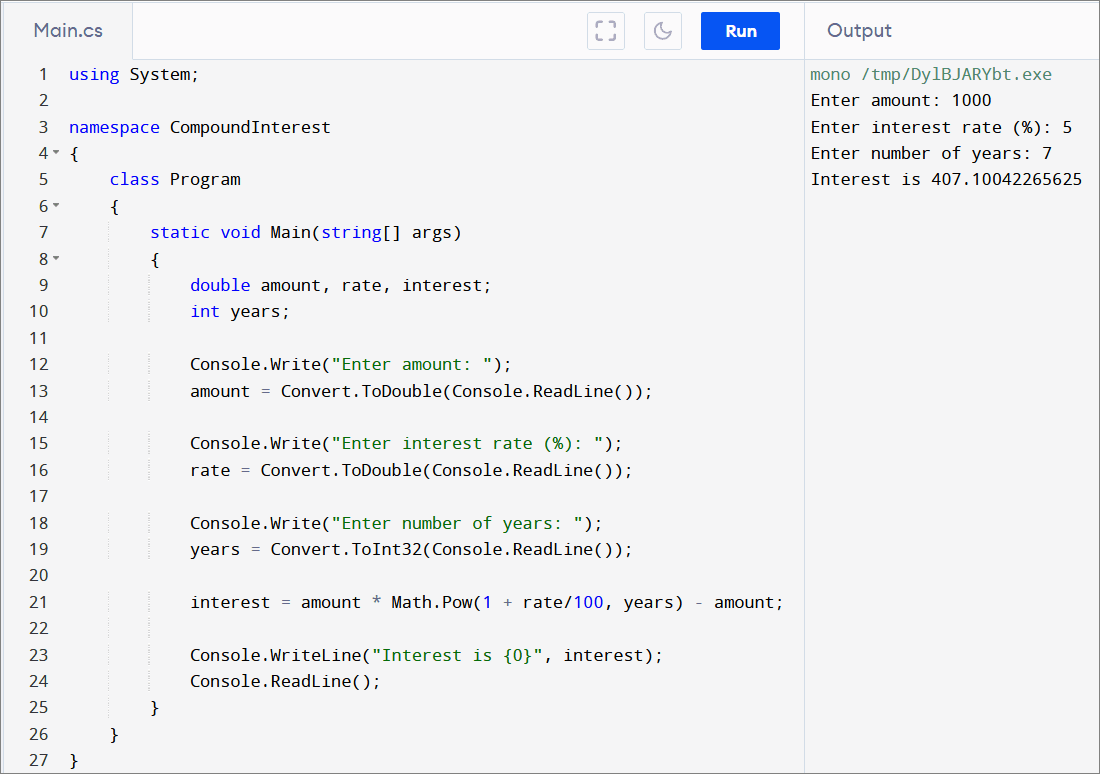
Here's what happens when we run the code using Programiz' C# Online compiler.
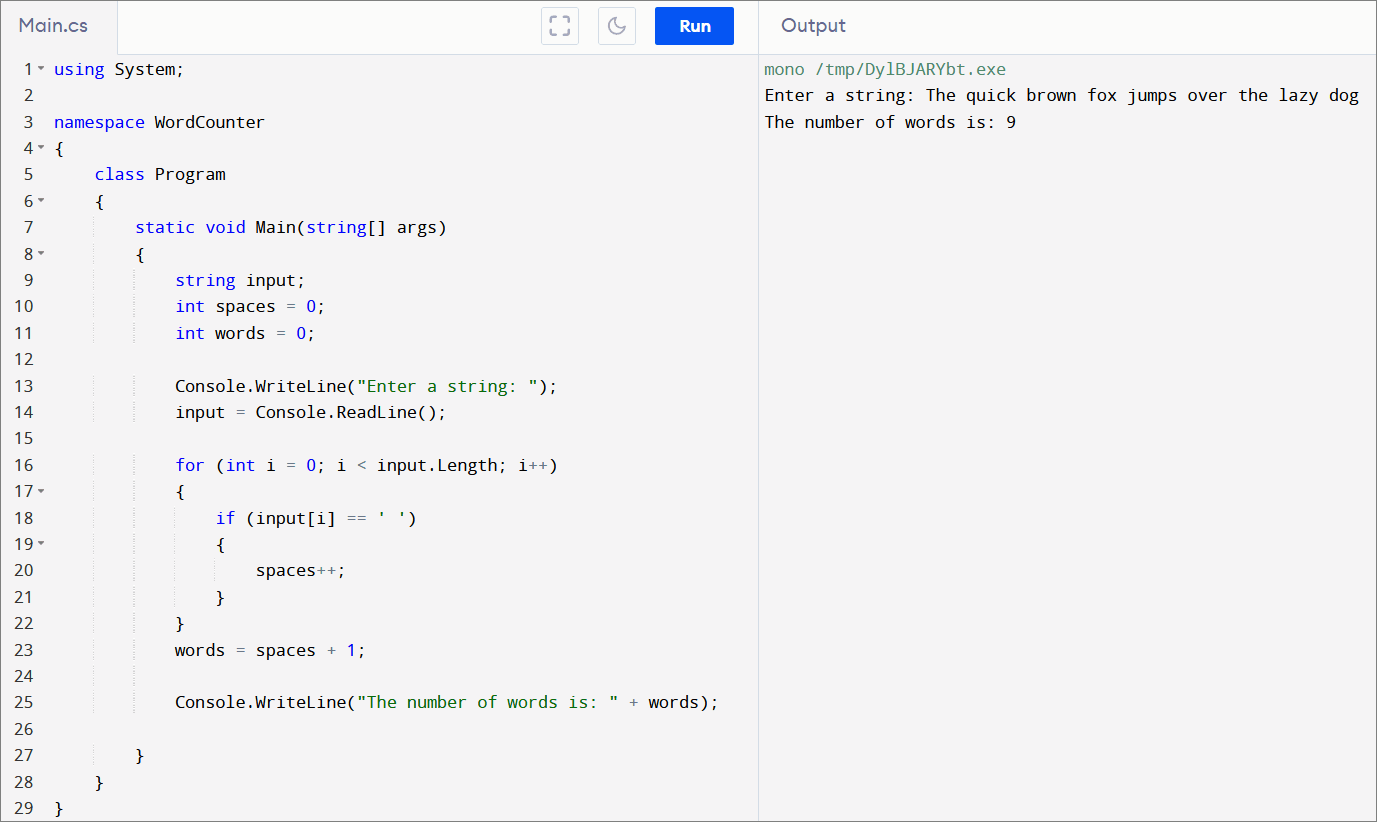
The following application displays the number of words in the string that's input at the console. It does that by counting the number of space characters, and then adding 1 to them, thus getting the correct number of words. Here's how the C# code looks.

using System;

namespace WordCounter
{
    class Program
    {
        static void Main(string[] args)
        {
            string input;
            int spaces = 0;
            int words = 0;

            Console.WriteLine("Enter a string: ");
            input = Console.ReadLine();

            for (int i = 0; i < input.Length; i++)
            {
                if (input[i] == ' ')
                {
                    spaces++;
                }
            }
            words = spaces + 1;
           
            Console.WriteLine("The number of words is: " + words);

        }
    }
}

And here's the code in action.
That is it for today, guys. But don't worry, I will write more C# tutorials in the future.