My Blog

This is my web coding blog. It's the home for several simple, easy-to-understand applications which are written using various programming languages. Feel free to get in touch if you want me to code a specific project for you.

PHP - first steps

Welcome to the first PHP tutorial! PHP, whose name is derived from Hypertext PreProcessor, is a server scripting language which allows developers to create dynamic applications.

If you want to test my examples, you will have to embed the PHP code within HTML, and then use an "online php compiler" (Google it). I will use the one provided by W3 Schools for my examples.

This is the basic HTML code skeleton which makes it possible for us to run PHP scripts in a standard web browser.

<!DOCTYPE html>
<html>
<body>

<?php
// we will write our PHP code between these brackets
?>

</body>
</html>

Let's start with an example that uses a single line of PHP code to display the current date.

<!DOCTYPE html>
<html>
<body>

<?php
echo date("Y/m/d");
?>

</body>
</html>

As you can see, we are using the capital "Y" to get the current year; a lowercase "y" would return "20", instead of "2020".

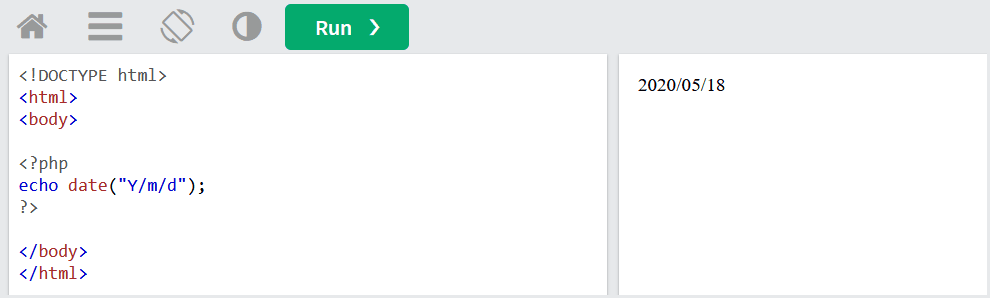
Here's what happens when we run the code.
Not too shabby for a single line of PHP code, right? Let's move on to the following example, which finds out the minimum and maximum values of the numbers inside an array, and then displays them.

<!DOCTYPE html>
<html>
<body>

<?php
$numbers = array(7, 2, 5, 4, 14, 6, 17, 11, 29, 10);
$lowest = min($numbers);
$highest = max($numbers);
echo "Minimum value: " . $lowest . "<br>";
echo "Maximum value: " . $highest;
?>

</body>
</html>

We are using five lines of code here, but we are doing some useful stuff. We could use this snippet to find out the winner of an online contest, for example.

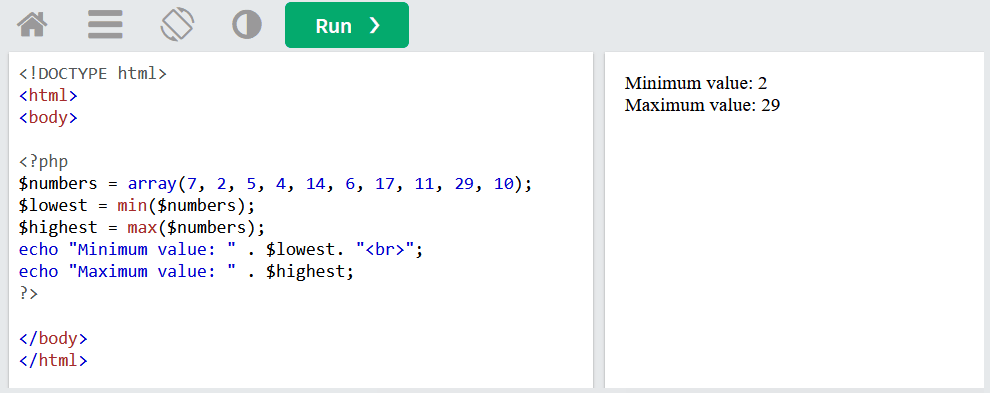
The image below shows the result and ends this tutorial. Do not worry, I will write at least one more using PHP.